The Hunter I-Core is a versatile, full-featured controller designed for demanding commercial and residential irrigation needs. It offers intelligent, modular, and intuitive operation.
What is the Hunter I-Core Controller?
The Hunter I-Core controller represents a significant advancement in irrigation management, catering to both sophisticated commercial landscapes and high-end residential properties. Available in models like the IC-600M, IC-600PL, IC-600PP, and IC-600SS, it’s designed for expandability, supporting up to 30 or even 42 stations depending on the chosen configuration.
Its modular design allows for customized functionality, while its intuitive interface simplifies programming and operation. The I-Core is built for reliability and performance, offering a robust solution for precise water control.
Key Features and Benefits
The Hunter I-Core boasts several key advantages. Its modularity allows for easy expansion, accommodating growing irrigation needs with added stations and modules. The intuitive interface simplifies programming, reducing setup time and complexity. Solar Sync compatibility enables intelligent seasonal adjustments, optimizing water usage based on local climate conditions.
Furthermore, the controller offers robust reliability and precise control, ensuring efficient and effective irrigation. This translates to water conservation, reduced costs, and healthier landscapes.

Installation Guide
Proper installation involves secure mounting of the controller cabinet, correct wiring of power and sensors, and adherence to specified electrical requirements for optimal performance.
Wiring Diagrams for Common Configurations
Understanding wiring is crucial for a functional system. The I-Core controller supports various configurations, including standard zone wiring, pump relay setups, and flow sensor integration. Diagrams illustrate connecting the receiver to SEN terminals – polarity doesn’t matter.
Common setups include single valve, multi-valve, and master valve configurations. Always consult the detailed diagrams within the manual for your specific setup. Proper wiring ensures reliable communication between the controller and field devices, preventing operational issues and maximizing efficiency. Incorrect wiring can lead to malfunctions.
Connecting to Power and Sensors
Proper power connection is essential for I-Core operation. Ensure the controller is connected to a suitable power source, adhering to specified electrical requirements. Sensor connections, like flow sensors, integrate via dedicated terminals. These sensors provide valuable data for water management and leak detection.
Wiring sensors correctly is vital for accurate readings. The manual details specific wiring configurations for each sensor type. Secure connections prevent signal interference and ensure reliable operation. Always disconnect power before making any wiring changes for safety.
Mounting the Controller (Metal & Plastic Cabinets)
The Hunter I-Core is available in both metal and plastic cabinet options, offering flexibility for various installation environments. Secure mounting is crucial for controller stability and longevity. Select a location protected from direct weather and physical damage.
Utilize appropriate mounting hardware for the chosen cabinet type and surface. Ensure the cabinet is level for proper operation. Metal cabinets provide robust protection, while plastic cabinets offer corrosion resistance; Follow the manual’s guidelines for secure and stable installation.

Programming Basics
I-Core programming involves navigating the user interface, setting the date and time, and structuring programs with stations and defined start times for irrigation.
Navigating the User Interface
The I-Core’s interface utilizes a central dial for menu selection and navigation. Rotating the dial accesses different programming sections, like program setup or solar sync settings. Pressing the dial confirms selections. Buttons are used for adjusting values within each setting. The display clearly shows current settings and prompts.
Understanding the icons and terminology is crucial for efficient programming. The controller guides users through each step, making adjustments straightforward. Familiarize yourself with the menu structure to quickly locate desired functions and optimize irrigation schedules.
Setting the Date and Time
Accurate date and time are fundamental for proper scheduling. Access the “Date & Time” setting via the central dial. Use the adjustment buttons to modify the month, day, and year. Subsequently, set the current time, ensuring AM or PM is correctly designated. Confirm each entry by pressing the dial.
Correct timekeeping ensures programs run at the intended times, maximizing water efficiency. Regularly verify the date and time, especially after power outages or seasonal changes, to maintain optimal irrigation performance and avoid scheduling errors.
Program Structure (Programs, Stations, Start Times)
I-Core programming revolves around Programs, Stations, and Start Times. Programs are independent schedules, allowing diverse irrigation needs. Each Program comprises Stations – individual watering zones. Assign stations to programs, defining run times and frequencies. Multiple Start Times within a program enable flexible watering cycles.
Effectively structuring these elements optimizes water usage. Programs can be tailored for different plant types or landscape areas. Careful consideration of station assignments and start times ensures efficient and targeted irrigation.
Advanced Programming Features
I-Core controllers offer Solar Sync for regional adjustments, water budgeting for seasonal changes, and Cycle and Soak functionality to prevent runoff and improve absorption.
Solar Sync Settings and Regional Adjustments
Solar Sync automatically adjusts irrigation schedules based on local weather conditions, optimizing water usage. To configure, navigate to the Solar Sync Settings position on the controller dial. The display initially shows dashes, then defaults to Region 3 and Water Adjustment 5.
Utilize the buttons to modify these settings. A table assists in identifying your specific region for accurate adjustments. Proper region selection ensures the controller calculates evapotranspiration rates correctly, leading to efficient and effective watering schedules tailored to your climate.
Water Budgeting and Seasonal Adjustments
Water budgeting allows for percentage-based adjustments to irrigation schedules, conserving water during wetter periods or compensating for increased demand in drier seasons. This feature provides granular control over water application, optimizing plant health and minimizing waste.
Seasonal adjustments are easily implemented through the I-Core controller interface. Users can globally increase or decrease watering durations across all programs, stations, and start times, adapting to changing climatic conditions throughout the year for efficient irrigation management.
Cycle and Soak Functionality
Cycle and Soak is a crucial feature for improving water absorption and reducing runoff, particularly on slopes or with compacted soils. This function divides a station’s watering time into multiple shorter cycles, interspersed with “soak” periods.
The soak time allows water to penetrate the soil before the next cycle begins, preventing water from simply running off the surface. Users can customize both the cycle duration and soak duration, tailoring the settings to specific site conditions and soil types for optimal irrigation efficiency.
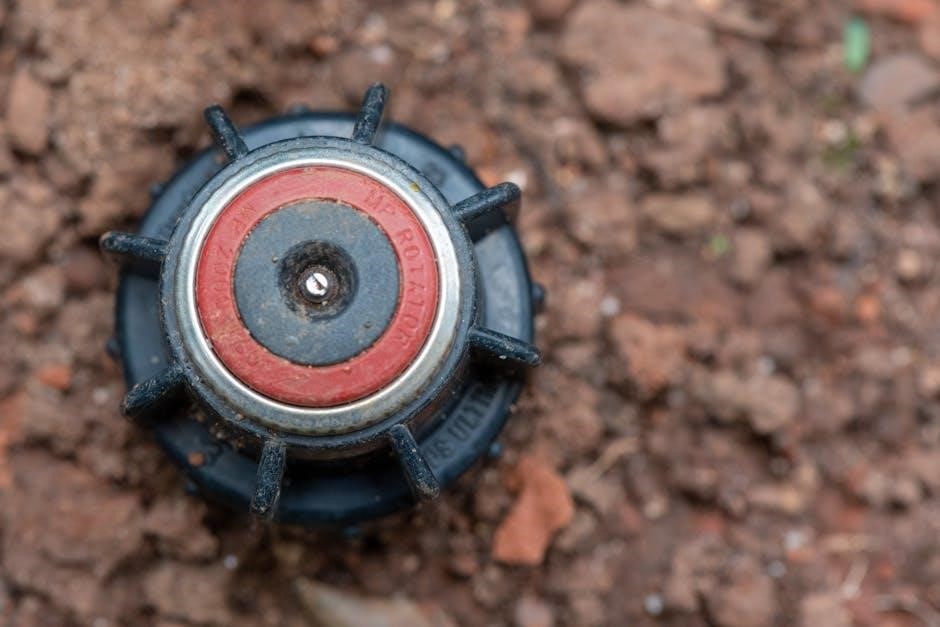
Expanding the System
The I-Core controller is highly expandable, supporting up to 30 or 42 stations with the addition of modules, offering scalability for growing irrigation demands.
Adding Stations and Modules
Expanding station capacity with the Hunter I-Core is straightforward. The base unit supports a specific number of stations – typically six – but this can be significantly increased. Adding modules allows for expansion to 30 stations with the IC-600PL model, and even up to 42 stations with the IC-600M or IC-600PP versions.
Modules connect directly to the controller, providing additional station outputs. Ensure compatibility when selecting modules. Proper wiring is crucial; connect the module wires to the designated terminals on the controller’s back panel. The I-Core automatically recognizes and integrates the added stations.
Compatibility with Hunter Central Control Systems
The Hunter I-Core seamlessly integrates with Hunter’s Central Control Systems, offering advanced remote management capabilities. This compatibility allows for centralized scheduling, monitoring, and reporting of your irrigation system. Utilizing a compatible communication module, the I-Core can connect to platforms like Hunter’s HC platform.
Central control provides benefits such as real-time adjustments based on weather data, automated alerts for system faults, and detailed water usage reports. This integration streamlines irrigation management and optimizes water conservation efforts across multiple sites.

Troubleshooting Common Issues
Common problems include no power, stations failing to run, and communication errors with modules. Addressing these issues promptly ensures optimal system performance and efficiency.
No Power to the Controller
If the controller lacks power, first verify the incoming voltage to the unit is correct and within specified limits. Check the circuit breaker or fuse supplying power to the I-Core, ensuring it hasn’t tripped or blown. Inspect all wiring connections for looseness or corrosion, particularly at the power terminals.
Confirm the power supply is securely connected to the controller’s terminals. A faulty transformer or power supply could also be the culprit, requiring replacement. Finally, ensure the controller’s internal battery has sufficient charge, as it supports certain functions even during power outages.
Station Not Running
When a station fails to activate, initially confirm the program is active and the scheduled start time has passed. Manually initiate the station to bypass the program schedule and test functionality. Inspect the valve wiring for breaks or shorts, ensuring proper connections at both the controller and valve.
A faulty valve solenoid is a common cause; test with a multimeter for continuity. Check for obstructions in the valve itself. Low voltage reaching the valve could indicate a wiring issue or a failing controller output.
Communication Errors with Modules
If experiencing communication failures between the I-Core controller and expansion modules, verify the two-wire connection is secure and free from damage. Ensure proper module addressing – each module requires a unique address set via dip switches. Confirm module compatibility; only Hunter-approved modules are guaranteed to function correctly.
Check for excessive wiring distances exceeding the maximum specified length. Electrical interference can also disrupt communication; separate wiring from power cables. A faulty module may require replacement.

Understanding the Display & Indicators
The I-Core display provides crucial information, including error messages and sensor readings. Decoding these indicators is essential for effective troubleshooting and system management.
Decoding Error Messages
The Hunter I-Core controller utilizes a system of error messages to alert users to potential issues. These messages appear on the display, providing clues about the problem’s source. Understanding these codes is vital for quick diagnosis and repair. Common errors include communication failures with modules, indicating wiring or compatibility problems. Other messages relate to sensor malfunctions, requiring inspection of wiring and sensor functionality. Pay close attention to the specific code displayed, as it narrows down the possible causes. Refer to the complete error code list in the manual for detailed explanations and recommended solutions. Ignoring these messages can lead to system inefficiencies or complete failure.
Interpreting Sensor Readings
The Hunter I-Core controller accepts input from various sensors – rain, flow, and soil moisture – to optimize irrigation schedules. Accurate interpretation of these readings is crucial for water conservation and plant health. Rain sensors halt irrigation during precipitation, preventing overwatering. Flow sensors detect leaks or breaks in the system, minimizing water waste. Soil moisture sensors measure the water content in the root zone, ensuring plants receive adequate hydration. Regularly check sensor functionality and calibration. Incorrect readings can lead to inefficient watering or plant stress. Consult the manual for specific sensor configuration and troubleshooting tips.
Maintenance & Care
Regular cleaning of the controller and timely battery replacement are essential for optimal performance and longevity. Protect the unit from extreme weather conditions.
Cleaning the Controller
To ensure reliable operation, periodically clean the Hunter I-Core controller. Begin by disconnecting power before any cleaning procedures. Use a damp, non-abrasive cloth to gently wipe down the exterior surfaces, removing dust and debris. Avoid harsh chemicals or solvents, as these can damage the plastic casing or internal components.
Pay particular attention to the display screen and button areas, ensuring they are free from obstructions. For stubborn dirt, a mild soap solution can be used, followed by a clean water rinse and thorough drying. Never spray water directly onto the controller; always apply it to the cloth first.
Battery Replacement
The Hunter I-Core controller utilizes a battery to maintain the date, time, and programmed settings during power outages; When the low battery icon appears on the display, replacement is necessary. Access the battery compartment, typically located on the controller’s circuit board, and carefully remove the old battery.
Install a new, identical battery, ensuring correct polarity as indicated inside the compartment. Proper battery installation preserves programming and prevents data loss. After replacement, verify the date and time are correct and reprogram if needed. Dispose of the old battery responsibly, following local regulations.

Technical Specifications
The I-Core controller requires standard electrical input and operates within a defined temperature range, ensuring reliable performance in diverse environmental conditions.
Electrical Requirements
The Hunter I-Core controller is designed to operate on a standard input voltage of 120 VAC, 60 Hz. It’s crucial to ensure the power supply meets these specifications for optimal functionality and to prevent damage to the unit. The controller typically draws a minimal amount of power during operation, but peak demands may occur during station activation. Proper grounding is essential for safety and to protect against electrical surges. Always consult a qualified electrician for installation and wiring to guarantee compliance with local electrical codes and regulations, ensuring a safe and reliable irrigation system.
Operating Temperature Range
The Hunter I-Core controller is engineered for reliable performance across a broad spectrum of environmental conditions. It’s designed to function effectively within a typical operating temperature range of 32°F to 140°F (0°C to 60°C). However, prolonged exposure to temperatures outside this range may impact the controller’s lifespan or functionality. Shielding the unit from direct sunlight and ensuring adequate ventilation can help maintain optimal operating temperatures. Consider these factors during installation to guarantee consistent and dependable irrigation system control throughout the year.
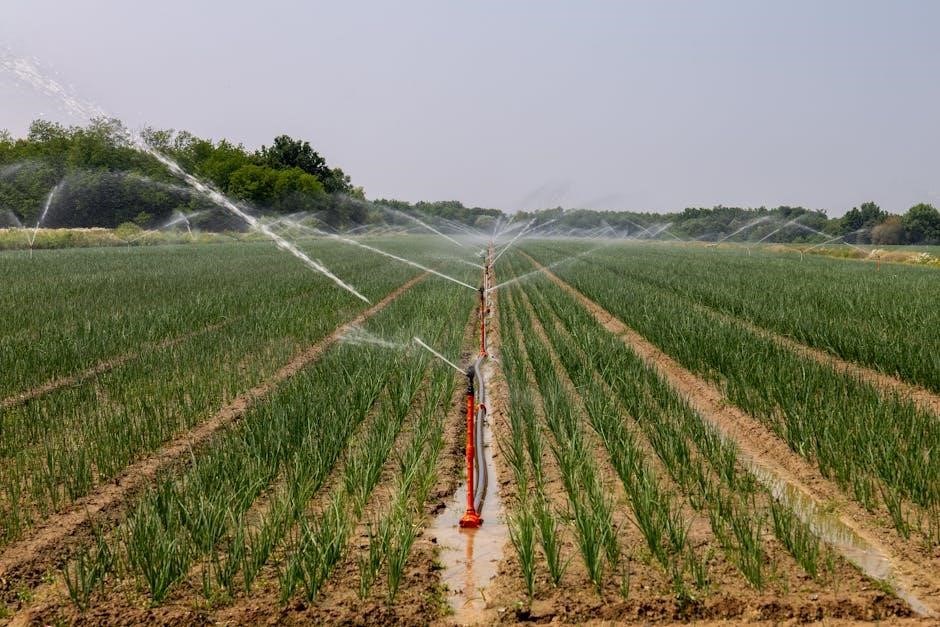
Warranty Information
Hunter Industries provides coverage details for the I-Core controller, alongside a defined claim process for warranty service, ensuring product reliability and customer satisfaction.
Coverage Details
Hunter Industries warranties its I-Core controllers against defects in materials and workmanship for a specified period from the date of manufacture. This warranty typically covers components essential to the controller’s function, including the circuit board, solenoid valves (if included), and plastic housing.
However, the warranty does not cover damage resulting from improper installation, negligence, misuse, acts of God, or unauthorized modifications. Regular maintenance, like cleaning and battery replacement, is the owner’s responsibility. Proof of purchase is required for all warranty claims.
Specific warranty durations may vary based on the I-Core model (IC-600M, IC-600PL, etc.).
Claim Process
To initiate a warranty claim for your Hunter I-Core controller, first contact Hunter Technical Support or visit the Hunter Industries website for detailed instructions. You’ll likely need to provide proof of purchase (date and retailer), a clear description of the defect, and potentially photos or videos demonstrating the issue.
Hunter may request the return of the defective controller or specific components for inspection. If the claim is approved, Hunter will, at its discretion, repair or replace the defective part or controller. Shipping costs for returns may be the responsibility of the customer.

Resources & Support
For comprehensive assistance, visit the Hunter Industries website for manuals, documentation, and FAQs. Contact Hunter Technical Support directly for personalized help and guidance.
Hunter Industries Website & Documentation
Hunter Industries provides a wealth of resources on their official website, designed to support users of the I-Core controller. You can directly download the I-Core IC-600M owners manual and installation instructions in PDF format. These documents cover everything from initial setup and wiring diagrams to advanced programming features and troubleshooting steps.
The website also features detailed programming guides, specification sheets, and frequently asked questions (FAQs) addressing common user concerns. Accessing these resources ensures you have the information needed for optimal system performance and efficient water management. Explore the site for the latest updates and support materials.
Contacting Hunter Technical Support
For personalized assistance with your Hunter I-Core controller, reaching out to Hunter Technical Support is recommended. While the website offers extensive documentation, direct support can resolve complex issues efficiently. Hunter Industries provides various contact methods, including a dedicated phone line and email support channels.
Their knowledgeable team can guide you through programming challenges, troubleshooting errors, or understanding specific features. Be prepared to provide your controller model number and a detailed description of the problem for faster assistance. Visit the Hunter Industries website to find the most current contact information.